AudioLINK+
AudioLINK+ Data Extraction Technology – Real-time facts, real-time action
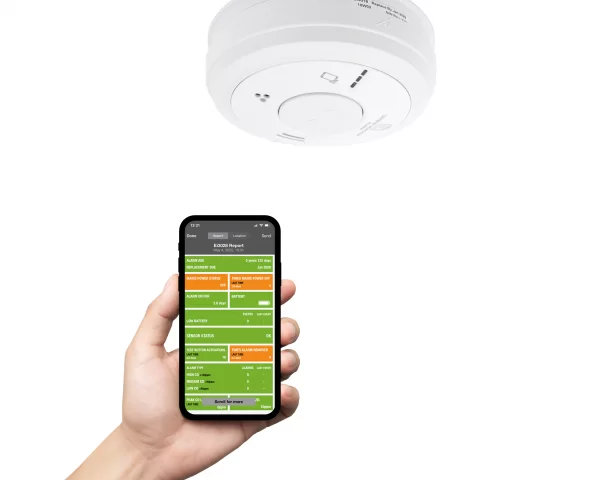
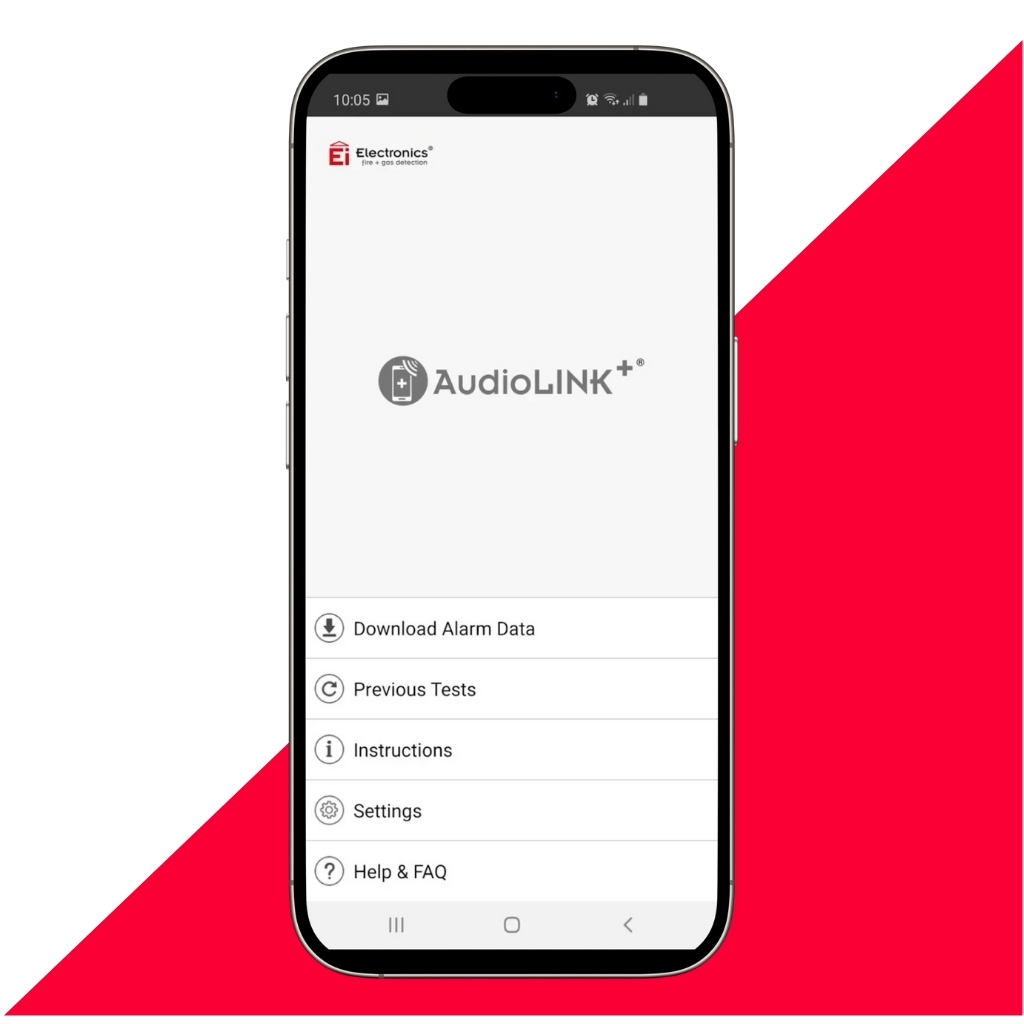
AudioLINK+ is faster, quieter, and more reliable. This second iteration of the award-winning AudioLINK technology makes it simple to get real-time data from Smoke and Carbon Monoxide alarms via the AudioLINK+ app.
Compatibility
Which alarms include AudioLINK+ technology?
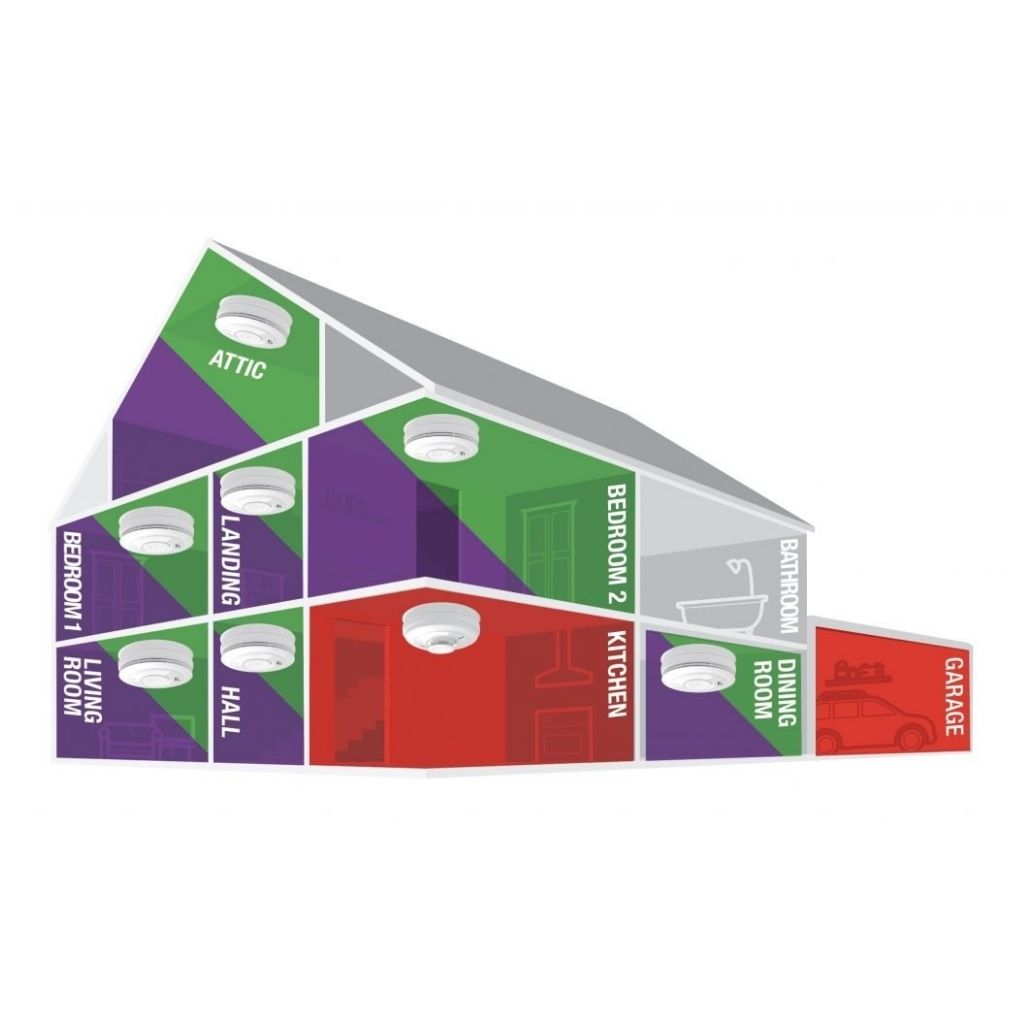
AudioLINK+ is now available for the 3000 Series, 600 Series and 200 Series.
How does AudioLINK+ technology work?
- Extraction can be done on-site without having to remove the alarm to ensure continued detection.
- The simple to read report is generated straight away, which provides details of any incidents immediately.
- Data can be extracted for AudioLINK+ alarms again and again.
- Information is stored for the life of the alarm enabling historic information to be retained.
- The Alarm Status Report provides evidence required for maintenance of records – required for Private Landlords renting out properties in England.
- The Report can be emailed to form part of a properties record.
Reports, Storage and Sharing
Alarm Status Report
The App generates a simple to read colour-coded report giving information on a range of alarm data:
- Alarm activations
- Sensor status
- Record of testing
- Battery and back up cell status
- Carbon Monoxide (CO) levels recorded – in CO alarms only
- Background levels of CO – in CO alarms only
- Advice on dust contamination levels – 3000 series only
Report Storage and Sharing
All of this information can be emailed directly from the phone or tablet to one or multiple addresses, being sent as a PDF report for the property or exported as a .csv file for simple integration with housing management and maintenance systems.
Additional information can be added to the report to help link it to a specific alarm and to communicate important and helpful information:
- Add the alarm serial number to the report using the built-in barcode scanner.
- Multiple reports from a property can be grouped together in one report.
- ‘Use Previous Address’ prompt to save time when entering address details.
- Storage of e-mail contacts within the App.
- Indicate the current alarm status as either OK, Service or Replace.
- UPRN numbers, Landlord details and Contractor details can be added to the report, along with detailed longer comments.
Extract The Data In 3 Easy Steps
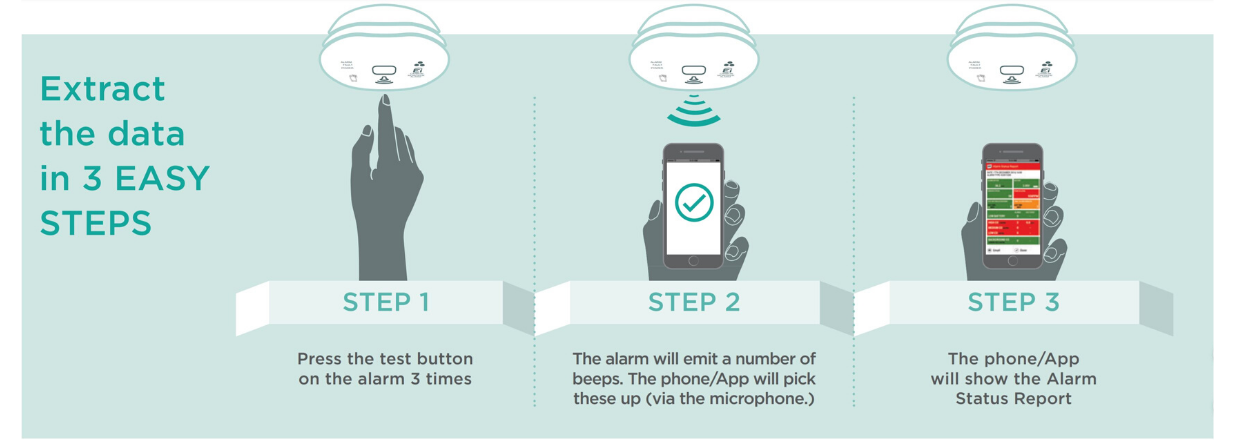
Step 1 – Press the test button on the alarm 3 times.
Step 2 – The alarm will emit a number of beeps. The phone/tablet will pick these up (via the microphone).
Step 3 – The AudioLINK+ App will generate and display the Alarm Status Report.
The App also has a step by step guide once you open it up on your device.
The Key Differences between AudioLINK and AudioLINK+
AudioLINK+ extracts the same data as AudioLINK, however it does so in a quicker and quieter manner to reduce disturbance, with the average time to take a report being 4-7 seconds. It does not change any other functionality of the alarm.
- AudioLINK+ is quicker and quieter
- Due to the decrease in volume, the range is reduced to 1 metre reliably
- Updated certification to include UKCA & EN 50291-1
We're here to help
Find the information you need in our library of educational and informative resources.
FAQs